
LEGO discount codes at the LEGO Certified Store in Saudi go into one place: the Promotional Code box on the cart page. The store applies the offer instantly to all applicable items in the basket, so the reduced total is visible before checkout.
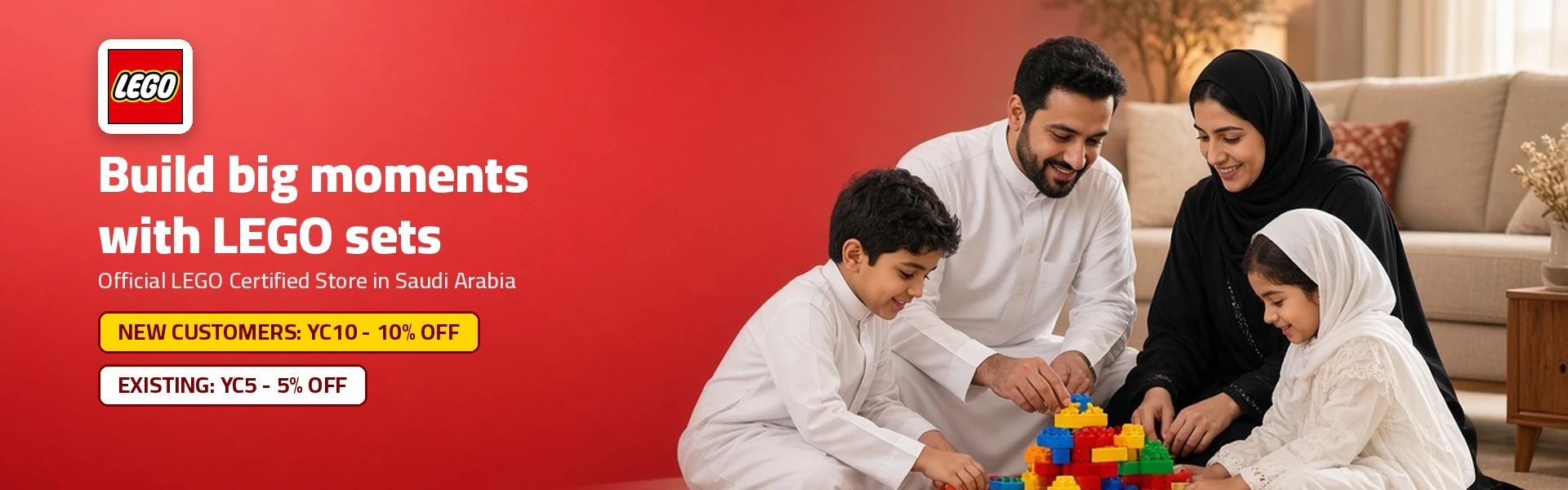
Two exclusive codes are available with no expiry: 10% for a first order and 5% for repeat orders. Guest orders count as orders, so returning shoppers without an account still use the 5% code, and both work the same way in the store's LEGO app.
If a code fails, check customer type, spaces and eligible items, then apply it after the basket is complete. Good timing, such as new releases or the Retiring Soon list, adds value, payment is by Visa, Mastercard or mada, and returns follow the standard 14-day rule for unused, unopened items.
How to Use LEGO Discount Codes: The Short Answer
Here is how to use LEGO discount codes at the official LEGO Certified Store in Saudi: add your sets to the cart, open the cart page, type the code into the Promotional Code box and apply it. New customers use the 10% code, existing customers use the 5% code, and the saving appears instantly before payment.
| Key fact | Detail |
|---|---|
| Where codes go | Promotional Code box on the cart page |
| New-customer saving | 10% on a first order, no expiry |
| Existing-customer saving | 5% on repeat orders, no expiry |
| When the discount shows | Instantly, on all applicable items |
| Payment options | Visa, Mastercard and mada cards |
| Delivery fee | Shown on the cart's delivery line before payment |
Who is this guide for?
It is for anyone buying from the official online LEGO shop, whether you are a parent buying a first DUPLO set, an adult fan ordering a Technic supercar or a gift buyer sending a present for Eid. Each step below uses the store's real checkout flow.
Why does the store matter?
The site is a LEGO Certified Store run by Modern Electronics Co LTD, the licensed operator of the LEGO Certified Stores in the Kingdom. Buying there means genuine sets, local delivery and after-sales help such as missing-brick replacement.
Which LEGO Code Should You Use?
Choose by your order history. If you have never ordered from the store, use the new-customer code for 10% off. If you have ordered before, use the existing-customer code for 5% off. Both codes are exclusive, have no expiry date and appear on separate cards on the store page.
| Your situation | Code to use | Saving |
|---|---|---|
| First order with the store | New-customer code | 10% |
| Second or later order | Existing-customer code | 5% |
| Buying several gifts | Group them in one basket, then enter the code | Saving on every eligible item |
What if you shopped as a guest before?
A guest order still counts as an order with the store. If you have bought before, even without an account, the existing-customer code is the one built for you, so pick it to avoid a rejected code at checkout.
Can a household share codes?
Each code is tied to customer type rather than a person's name. Use the code that matches the account or email placing the order, so the cart applies it cleanly. A first order placed by one family member does not change the code type for another person's separate account.
Keep both cards handy
Bookmark the store page so both codes are one tap away. Your first order uses one card, and every order after that uses the other.
How Do You Apply a LEGO Discount Code Step by Step?
The full routine takes a couple of minutes. Follow these steps in order and the saving is locked in before you enter card details.
- Open the store from the offer button on the coupon card.
- Choose the language you prefer from the switch at the top of the site.
- Browse by theme, age, price or interest and add your sets.
- Open the cart and review quantities and items.
- Type your code into the Promotional Code box and press apply.
- Confirm the discount line and the new total.
- Enter billing and shipping details, then pay by card.
- Keep the order confirmation email with your order number.
How do you choose sets quickly?
The Shop by menu offers themes, interests, age, price, occasions and merchandise. Age bands run from 1–2 years to 18+, and five price bands start under 100 in local currency, which helps you build a basket that fits your budget before you apply a code.
What happens after you apply the code?
The store's FAQ says the offer is applied to all applicable items in your basket at the moment you enter the code. You will see the reduction on the cart page, and the delivery line stays separate.
What does the confirmation email include?
Once payment is confirmed, you receive an email with important details such as the order number and purchase value. Keep it, because you will need it for tracking, address changes, cancellations and returns.
How Do You Fix a LEGO Code That Does Not Work?
Most failed codes come down to customer type, typing or basket contents. Run through this checklist and try again before contacting support.
- Match the code to your order history: 10% for first orders, 5% for repeat orders.
- Remove spaces before or after the code.
- Check that the items in your cart are eligible.
- Apply the code after adding all your sets.
- Refresh the cart page and apply the code once more.
Why does the basket order matter?
The discount is calculated on the applicable items in the cart at the moment you apply it. If you add sets afterwards, apply the code again so the new items are included in the saving.
Who can help with a code problem?
Customer service works five days a week from 9:00 AM to 6:00 PM local time, with shorter hours in Ramadan. Call the toll-free number 8001207669, use live chat or write through the contact page with your basket details.
Take a screenshot
A screenshot of the cart with the code entered gives support a clear picture of the issue and speeds up the reply.
How to Use LEGO Discount Codes at the Right Moment
Codes are the core saving at the store, and good timing makes them go further. New releases, the Retiring Soon list and gifting seasons are all good moments to use one. Planning your basket around those moments gives you the strongest result.
| Saving | Trigger | Tip |
|---|---|---|
| Discount code | Typed in the Promotional Code box | Apply after the basket is complete |
| New releases | PreOrder button on the product page | Reserve the set and apply the code |
| Retiring Soon | Sets leaving the range | Order before stock runs out |
| Pre-order | PreOrder button on the product page | Reserve the set and apply the code |
Can a code and a deal combine?
The code applies to the eligible items in your basket, and the cart lists the lines it reduces and the final total, so add every set, enter your code and review the result before paying.
How do you group purchases into one order?
Grouping planned gifts and sets into one basket lets the percentage reach every eligible item. This matters most on a first order, because the new-customer code carries the higher rate.
Which Mistakes Should You Avoid With LEGO Codes?
A few small slips cause most missed savings. Avoiding them keeps every code working the first time and saves a call to customer service.
Is it a mistake to use the first-order code late?
Yes, in a sense: the 10% code is built for your first order, so spending it on a small first basket leaves value behind. Plan the first order around the set you want most, then use the 5% code for later orders.
Why should you check eligible items first?
The cart lists the lines the code reduces. Checking those lines after applying the code confirms that every set you chose received the saving before you pay.
What Should You Know After You Order?
Using a code does not change your rights as a customer. Delivery, tracking, cancellations and returns follow the store's standard rules, which are worth knowing before you click pay.
How long does delivery take?
Main cities usually receive orders in 4–5 working days and other cities in 5–7 working days. Orders are processed Saturday to Thursday, excluding Friday and public holidays, and delivery covers addresses inside the Kingdom only.
How do returns work on discounted orders?
You can return unused, unopened items in original packaging within 14 days of delivery with the original receipt. Discounted products may have a shorter window tied to the sale period. Refunds take 10–14 working days after quality checks.
Can you cancel an order?
Registered customers can cancel under My Account while an order is still unprocessed. After processing, customer service will try to cancel before shipping, and a shipped order is treated as a return.
One more rule to know
The store states that online buyers must be 18 or older and that reselling LEGO items bought on the site is prohibited. Codes are for personal shopping.
Which Habits Help You Save on Every LEGO Order?
A few habits turn one-off savings into a routine. They take little time and keep every basket at a fair price.
- Save your biggest planned purchase for your first order.
- Create an account after the first order to unlock registered-user offers.
- Keep a wishlist so you can move sets into the cart when a deal appears.
- Check the Retiring Soon and Coming Soon lists before big occasions.
- Sign up for the newsletter to hear about new offers and in-store events.
When are the best moments to shop?
Ramadan, Eid, back-to-school, Founding Day and National Day are the busiest gifting periods of the year. Occasion pages for Ramadan gifts and birthdays make gift shopping faster.
Does the app follow the same steps?
The store has its own LEGO app on the App Store and Google Play. Reach the checkout and use the promotional code field in the same way, checking the total before you confirm.