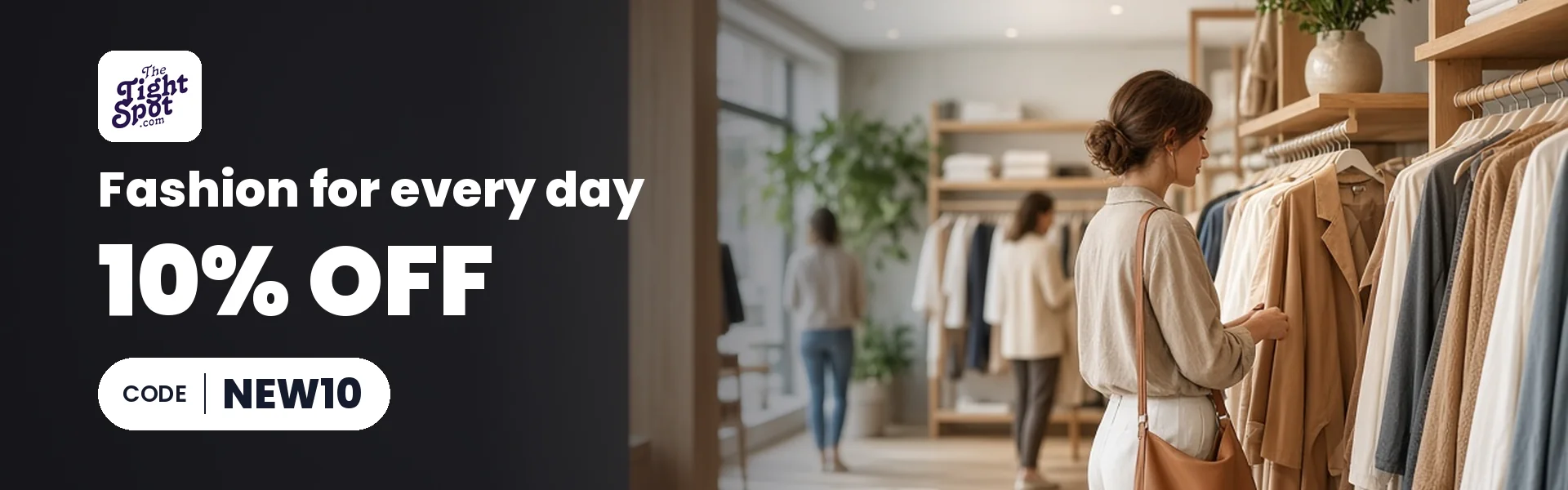
The Tight Spot coupon code field sits on the cart page. The retailer says to add the code to the area labelled Have an offer code? and click Apply. Entering NEW10 there reduces eligible New In Hosiery lines by ten per cent before the checkout review screen.
The Tight Spot takes coupon codes on its cart page, in a field the retailer labels Have an offer code?, with an Apply control beside it. Codes are typed rather than carried by a link, so the string NEW10 has to arrive in that box cleanly for the ten per cent to land on eligible New In Hosiery lines.
The screens either side of that box matter too. Before it, the basket page carries an Update Shopping Cart control for quantities and a bin icon for removals. After it, the checkout runs a review stage showing the order, billing address, delivery address and delivery costs, then a payment stage where PayPal or the card provider handles the transaction behind an overlay. Order status afterwards sits in My Account.
Where the Coupon Code Box Sits at The Tight Spot
The code box is on the cart page rather than deeper into the payment flow, which is useful because it lets you
see the discount land before you commit any personal details. The retailer describes the mechanism plainly: add
the code to the area labelled Have an offer code? and click Apply.
| Step | Screen | Control you use | What you should see |
|---|
| 1 | Product page | Colour and size selectors, then add to basket | The line arrives in the basket |
| 2 | Basket | Cart icon in the header, right of the search bar | The full basket page opens |
| 3 | Cart page | Quantity box, then Update Shopping Cart | Revised line quantities and totals |
| 4 | Cart page | Bin icon beside any line | The unwanted line disappears |
| 5 | Cart page | Field labelled Have an offer code? | An empty box ready for the string |
| 6 | Cart page | Apply | A reduced basket total |
| 7 | Checkout | Proceed from the cart | The review and payment stages |
Steps three and four exist for a reason. Because the retailer's rule keeps codes to full price items, the cart
page is where you tidy a basket into something the code can act on, and the quantity and removal controls are
the tools for doing it without starting again.
Getting the Basket Ready Before You Type
A coupon code applied to an untidy basket produces a figure that looks wrong and sends people hunting for a
fault that is not there. Running the short sequence below first means the number that appears after Apply is the
number you expected to see.
- Confirm every line is a full price New In Hosiery style rather than an outlet or multipack line.
- Check the colour and size on each line, since the charts differ by brand.
- Set quantities, then press Update Shopping Cart so the totals refresh.
- Remove anything you were undecided about with the bin icon beside that line.
- Read the basket subtotal, and keep that figure in mind as your reference point.
- Enter NEW10 in the offer code field and apply it.
- Compare the new subtotal against your reference figure to confirm ten per cent came off.
The Checkout Stages After the Code Lands
Once the code has been applied, The Tight Spot's checkout runs through a short set of stages, each of which
shows you something you can still correct. Knowing what each stage is for stops you clicking through the one
screen where the discounted total and the carriage figure appear side by side.
| Stage | What the retailer shows | What to confirm here |
|---|
| Sign in or continue | A log-in and a sign-up route | Whether stored billing details are recalled |
| Order review | The entire order, billing address, delivery address, delivery costs | That the reduced total and the chosen carriage both read correctly |
| Payment selection | Card, PayPal, Apple Pay, Clearpay or Afterpay | The route you intend to settle with |
| Secured payment | An overlay that collects card details, handled by the payment provider | That the figure on the overlay matches the reviewed total |
| Confirmation email | The purchase email carrying the order reference | Keep it, since returns need that reference |
| Account record | Order status and history inside My Account | That the order has appeared against your account |
Returning Customers Against New Customers
The retailer draws a distinction worth using. A returning customer who logs in has billing name and address
recalled from the first order, which shortens the flow. A first-time shopper can create an account during
checkout to get the same shortcut on the next order rather than on this one.
Why an Order May Be Missing From the Account
If the order does not appear under My Account afterwards, the retailer gives two causes: either no account was
created at the time, or the account was created after the order was placed. Neither affects the order itself,
and the confirmation email remains the record that matters for a return.
Confirming the Code Actually Held
Applying a code and keeping a code are two different things, and the review stage is where you verify the
second. Three readings on that screen tell you everything about whether the discount survived into the order
you are about to pay for.
- The basket total, which should sit ten per cent below your reference subtotal on eligible lines.
- The delivery cost line, which reflects the carriage option you selected rather than the goods total.
- The delivery address, which the retailer cannot amend once the order has been dispatched.
Where the Code Is Not Entered
Several places look like the right box and are not, which accounts for a share of codes people believe have
failed. Each item below is somewhere shoppers commonly try, with what that field actually does at The Tight
Spot.
- The site search bar, which looks up products rather than applying promotions.
- The newsletter sign-up field, which subscribes an address and returns nothing to the basket.
- The gift card field, which redeems a stored value between GBP 25 and GBP 200 rather than a percentage.
- The payment overlay, which collects card details only and holds no promotional input.
- The back-in-stock notification box, which takes an email address against a colour and size.
After the Order Is Placed
The entry procedure ends at payment, but two things immediately after it affect whether you can act on the
order later. Both are published by the retailer and both are easy to lose track of in the minutes after
checkout.
The Purchase Email
The retailer points returns and exchanges back to the email sent during the original purchase, because it
carries the order reference, the billing name and the billing address that a return request needs. Keeping that
email is the single most useful thing you can do after applying a code successfully.
Delivery Address Changes
The retailer states that it cannot change or amend a shipping address once an order has been dispatched, and
that it is therefore not liable for loss caused by incorrect address details. Since dispatch happens within one
working day, the window for a correction is short enough to make the review screen the place to catch it.
Where We Source & Verify Our Codes
Offer terms come from the campaign feed for the United States, and every shipping, returns, brand and sizing figure is read from the brand's official site at thetightspot.com.
The offer terms
Code NEW10, the 10% reduction, the New In hosiery range it names and the United States market all come from that campaign feed.
The official pages
Dispatch within one working day in discreet packaging, the pre-paid global import VAT, duties and tariffs, the $8.95 standard and $11.95 tracked rates with free standard shipping over $81, DHL Express at $39.15 and free over $500, the 5 to 8 day and 2 to 3 day windows, the 30-day returns period with its unopened condition and free return label, the one-day refund processing and the twenty-eight brand pages are all read from the official delivery, returns, FAQ and brand pages at thetightspot.com.
Last read
Every figure above was read on 7 November 2026. Prices and policies move, so the official pages at thetightspot.com carry the current position.